HEARTBEATmonitor
panic-monitor/heartbeat/1 → peerLiveness — the QUIC + TLS handshake itself proves the peer is up.
Peer-to-peer health monitoring for your whole homelab — no central server, no VPS, no open ports. Live stats, Docker logs, and a remote shell on every node, over an encrypted iroh mesh.
$curl -fsSL https://raw.githubusercontent.com/Pallav0099/panicmonitr/main/install.sh | shOpen any node and read its whole system — step through what you get, live and straight off the peer.
Fleet status at a glance — uptime, heartbeat history, latency and incidents across every node.
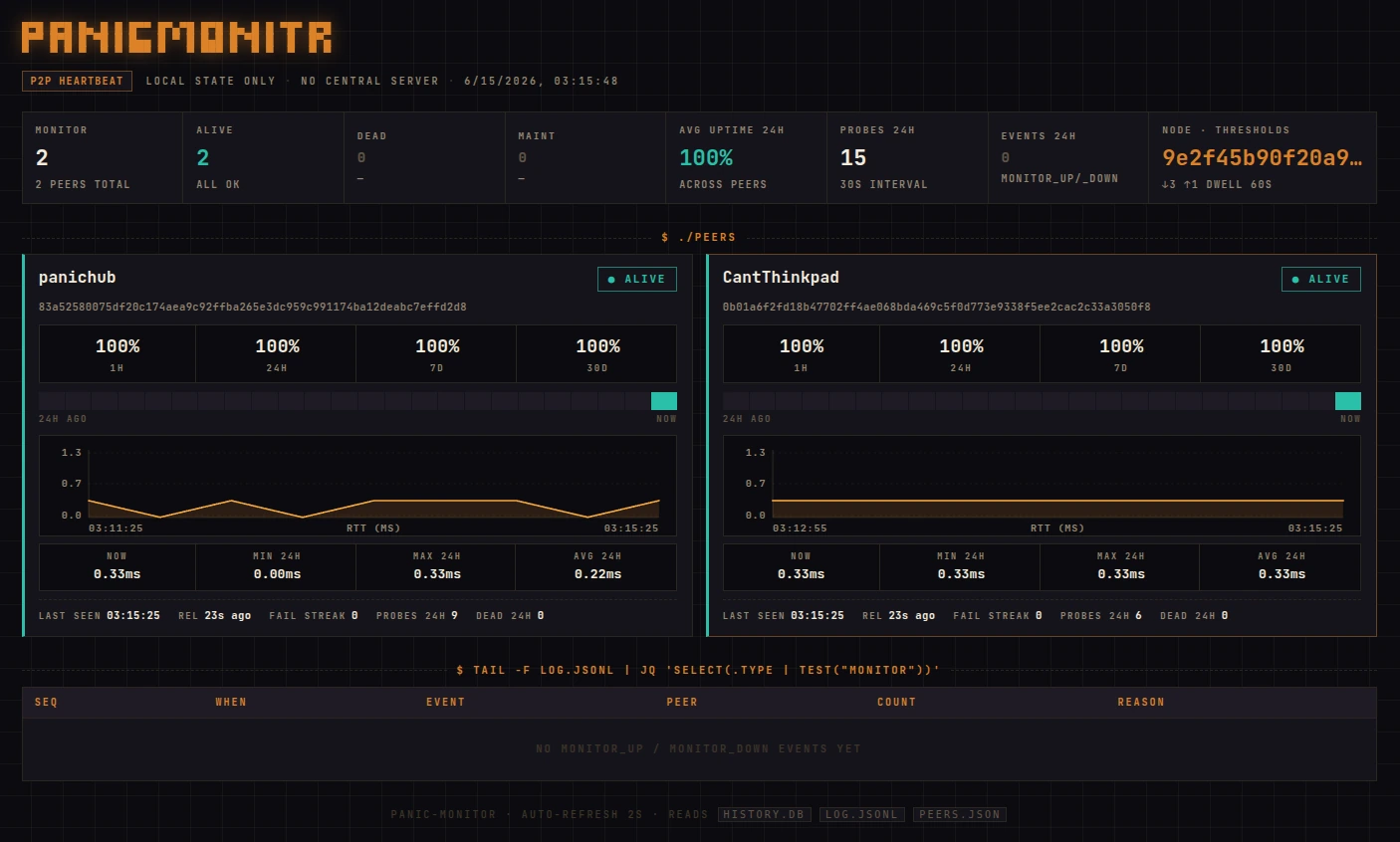
Four steps from one-line install to live fleet view. Everything runs locally, talks P2P, and signs every trust mutation.
After both sides --add-peer each other, the peer appears in the fleet view within one probe interval (30s default).
Flat and peer-to-peer — every device is a sovereign node, and any node can monitor any other. No central server to run, nothing to be a single point of failure.
Each is a sovereign Ed25519 peer that dials the others directly over iroh QUIC — hole-punched through NAT, encrypted end-to-end, with no central server. If a direct path is blocked, traffic falls back through a public iroh relay, still end-to-end. Every link is authenticated by node ID and authorized against a local, signed trust log — default-deny.
Zoom into one peer: a single iroh QUIC endpoint, six ALPN handlers. The connection's verified node ID is checked against your signed trust log before any handler runs — default-deny.
panic-monitor/heartbeat/1 → peerLiveness — the QUIC + TLS handshake itself proves the peer is up.
panic-monitor/push/0 ← peerReverse heartbeat for nodes behind strict NAT — they dial out.
panic-monitor/status/0 → peerDelta pull of live system stats — only what's newer than your cursor.
panic-monitor/logs/0 → peerDocker logs, pulled on demand — never streamed continuously.
panic-monitor/sync/0 → peerGap-fill — backfills metrics missed while you were offline.
panic-monitor/shell/0 → peerLive PTY bash over QUIC — its own grant, never implied, fully signed.